
Assistive Hardware‘s
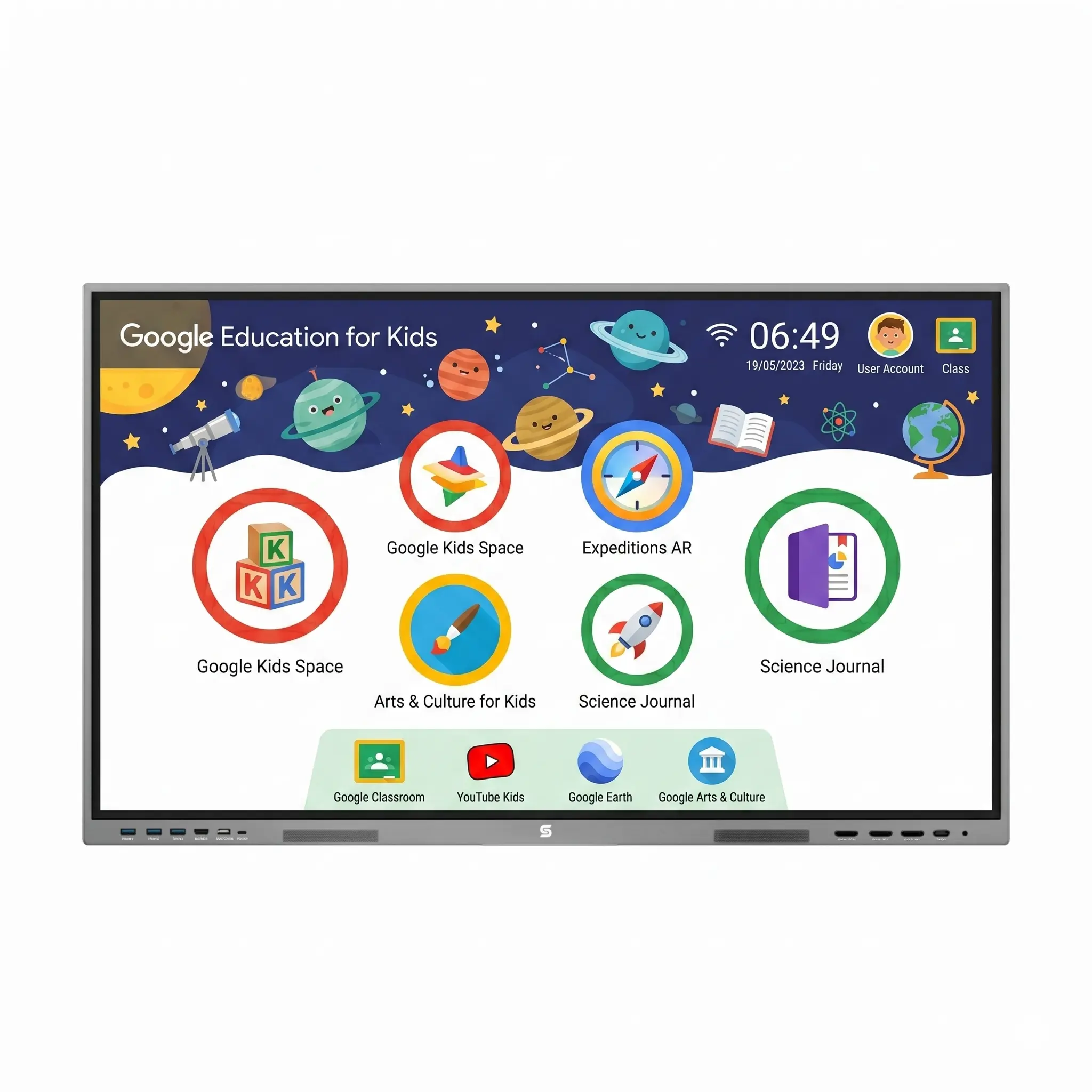
Interactive Flat Panel Display (Colloquial Names: IFPD/Smart Display/Digital Board)
This would be useful for class room or small group of SLD Kids to understand the content easily. Now a days IFPD come with advanced AI features.
• Multisensory learning: Use the IFPD to combine visuals, audio, and touch (seeing letters, hearing sounds, tracing them) to improve understanding.
• Text-to-speech support: Enable reading aloud so students can listen and follow text, improving comprehension
• Step-by-step teaching: Break lessons into smaller parts using highlighting and annotations to avoid overload.
• Visual-based content: Use images, videos, and color coding instead of large text blocks for easier learning.
• Interactive phonics practice: Let students drag letters, match sounds, and build words on the screen.
• Accessibility features: Adjust font size, contrast, and colors to make reading more comfortable for dyslexic students.
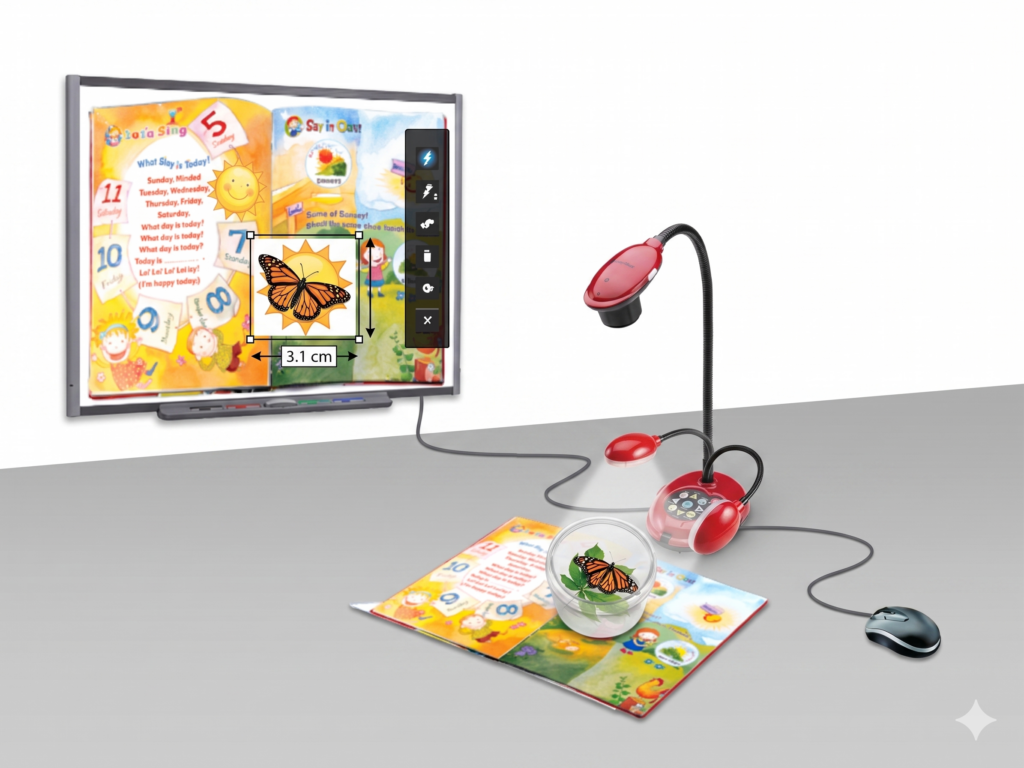
Document Camera or Visualizer
This would be useful in home/class room/small group of SLD Kids to understand the book or product content to visuvalise in TV/IFPD.
A document camera can be effectively used for students with specific learning disabilities (SLD) by providing clear, enlarged visual support and making lessons more interactive. Teachers can display books, worksheets, or objects on a large screen so students can see details easily, which improves understanding. It helps in demonstrating step-by-step writing, drawing, or problem-solving, allowing students to follow each stage clearly. Teachers can also zoom in and highlight important words or instructions to reduce reading difficulties and confusion. By combining visual display with verbal explanation, it supports multisensory learning, which is important for SLD students. Additionally, showing student work and real-life objects through the camera increases participation, builds confidence, and makes abstract concepts more concrete and easier to grasp.